Pillar guide
Internet on a boat: how to get WiFi on board that actually holds up
Marina WiFi works until it doesn't. Here is how a proper onboard setup is put together, what each part does and where most boat owners lose signal without knowing it.
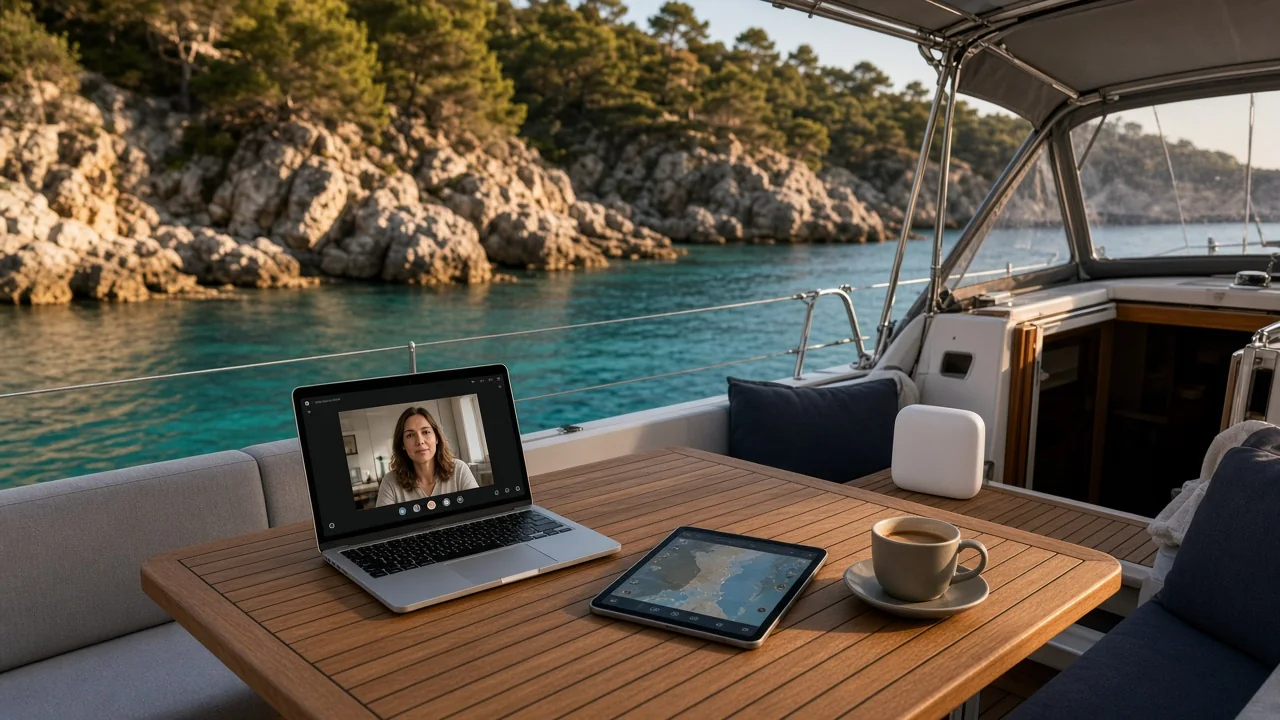
Most crews start with the marina WiFi. It is fine at nine in the morning, slow by lunch and close to useless at eight in the evening when every boat on the pontoon is streaming. Move to an anchorage and it is gone altogether. That is why almost every boat we help ends up on the same basic recipe: its own mobile router, a data SIM that roams, and, on larger boats, an outside antenna.
The three parts of an onboard internet setup
Think of it as a chain. The weakest link decides the speed you see on your phone.
- The router picks up the mobile network and turns it into a WiFi network for everyone on board. A 5G router falls back to 4G automatically, which matters more at sea than the headline 5G speed.
- The SIM or eSIM decides which networks you are allowed to use. A roaming data SIM can switch between operators in each country instead of being stuck with one.
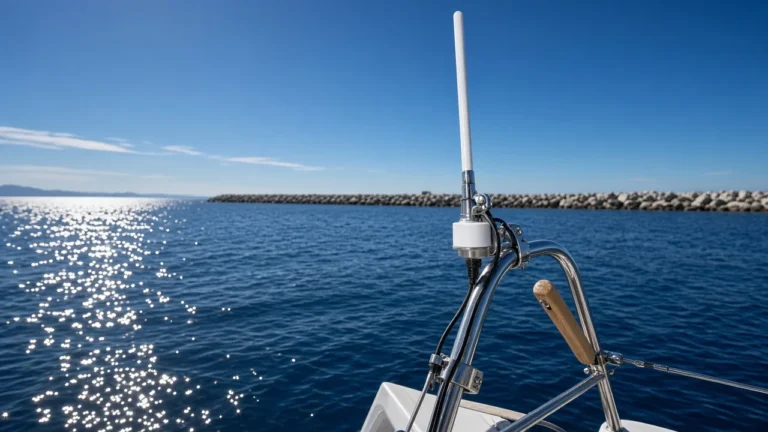
- The antenna decides how far from the mast on shore you can still connect. Inside a fibreglass or steel hull the signal drops noticeably, so an antenna outside the cabin often makes a bigger difference than a faster router.
How far from the coast does mobile internet work?
Mobile masts are built to cover land, not the sea, but the signal does not stop at the beach. In practice most boats keep a usable connection out to roughly 10 to 15 kilometres from the coast. With an antenna mounted high, a clear line of sight and calm conditions, 20 kilometres or more is not unusual. Behind a headland, in a deep fjord or tucked under high cliffs it can disappear much closer in.
If you do long passages, mobile data will not follow you all the way across. For coastal cruising, island hopping and nights at anchor it covers the vast majority of the time.
Portable router or fixed installation?
For a weekend sailor or a charter week, a portable router is usually the right call. You charge it, put it high up in the cabin or the cockpit and take it home afterwards. Our Hybrid Traveller has a battery that lasts more than eight hours, so it also works in a dinghy on the way to dinner or on the beach.
If you live aboard, cruise for months or run a larger motor yacht, a fixed router wired to the 12V system with a marine antenna on the arch or the radar mast gives you a steadier signal and one less thing to charge. Read our guide to marine 5G antennas before you drill any holes.
Why the SIM card matters as much as the hardware
A normal phone subscription from home will roam in Europe, but many come with a fair use limit for data abroad that is far below what a boat uses. Streaming a match or a week of video calls can burn through it in days. A data SIM made for roaming lets the router pick the strongest operator in each country, and you choose a data package that fits the trip rather than paying for a monthly plan all winter.
Tip from our support team: put the router as high and as close to a window as possible before you blame the network. Moving it from the chart table to the top of the companionway often doubles the speed.
A setup that works for most boats
- A 5G router that falls back to 4G, portable or fixed depending on how you use the boat.
- A roaming data SIM with a package sized to your trip.
- For boats over about 10 metres, or for anyone who anchors away from towns: an external marine antenna on a short, low-loss cable.
- A fused 12V supply if the router stays on board, so it is not draining a loose cigarette socket.
Not sure how much data you need? We wrote a separate guide on how much data a boat really uses, with numbers for streaming, video calls and weather files.
Frequently asked questions
Does marina WiFi work for streaming?
Sometimes in the morning, rarely in the evening. Marina networks are shared by every boat and usually have one access point far from the outer pontoons. Your own router on mobile data is far more predictable.
Can I use my phone as a hotspot instead?
For an hour, yes. For a holiday, a dedicated router is better: it keeps the phone free, has better antennas, does not overheat and lets the whole crew connect at once.
Does 5G work at sea?
Near larger towns and popular harbours, often yes. Further out the router will use 4G, which reaches further. A 5G router gives you both and switches by itself.