Data planning
How much data does a boat use? Real numbers for a week or a season
Most crews underestimate their data use by half, usually because of one thing they forgot: automatic updates. Here is how to size a data package without guessing.
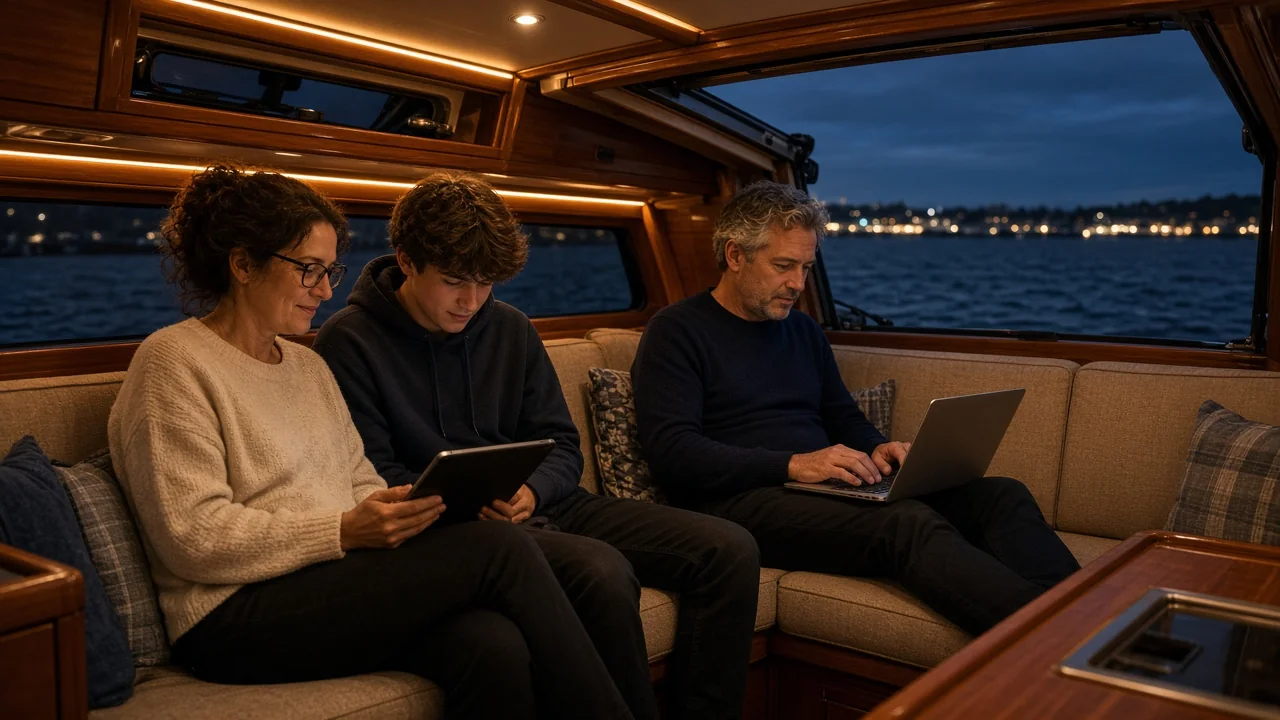
The question we hear most often from sailors is not about speed. It is "how many gigabytes do we need?" The honest answer depends on two things: how much video you watch and how many people are on board. Everything else is small change.
What uses data on board
- Streaming films and series: about 1 GB an hour in standard quality, around 3 GB an hour in HD and up to 7 GB an hour in 4K. This is the big one.
- Video calls: roughly 1 to 2 GB an hour, depending on quality and how many faces are on screen.
- Music: around 0.1 GB an hour. You can play music all day without noticing it.
- Social media: anything from 0.2 to 1 GB an hour, mostly because of autoplaying video.
- Weather and navigation: GRIB files and forecast apps use very little, a few megabytes at a time. Chart updates are larger, so download them before you leave.
- Updates and backups: a single phone or laptop update can be several gigabytes, and cloud photo backups run quietly in the background. This is where the surprise bills come from.
Example budgets
A weekend for two
Email, weather, maps, a bit of social media and one film on Saturday night. Plan for 10 to 20 GB.
A charter week with a family of four
Kids on tablets in the afternoon, a couple of hours of HD streaming in the evening, photos shared every day. That lands around 50 to 80 GB for the week. A 100 GB package gives you room to breathe.
A summer cruise of a month
Two adults who stream most evenings and make a few video calls a week typically use 150 to 250 GB. A 200 or 300 GB package is the usual choice.
Living aboard and working remotely
Four hours of video calls on weekdays plus streaming at night adds up to about 8 to 10 GB a day, or close to 300 GB a month. Go for 300 or 500 GB and keep an eye on the usage on My Pages during the first weeks.
Five ways to make the data last longer
- Turn off automatic updates on phones and laptops, and run them on marina WiFi instead.
- Pause cloud photo backup until you are on a fixed connection.
- Set streaming apps to standard quality on small screens. On a tablet you will barely see the difference.
- Download series and charts before you leave the harbour.
- Turn off autoplay in social media apps.
With our roaming SIM you do not pay a monthly fee. You buy two SIM cards once and choose a data package of 100, 200, 300 or 500 GB when you need it, so a long winter ashore costs nothing.
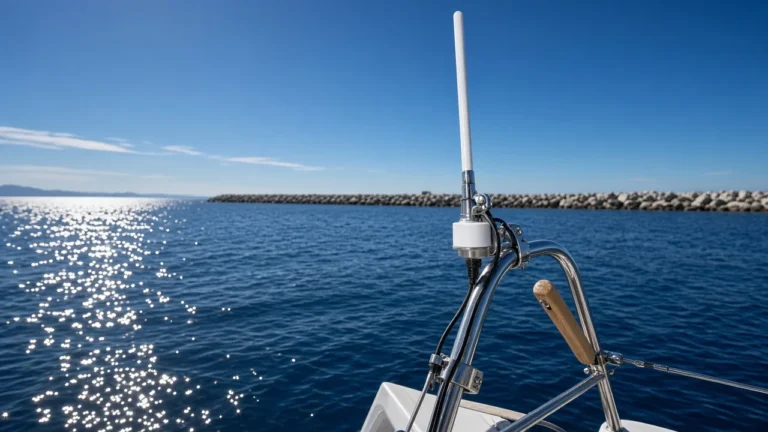
Data is only half the story. If you are not getting the speed you expect, read about where to mount a marine antenna or go back to our overview of internet on a boat.
Frequently asked questions
How much data does Netflix use on a boat?
The same as at home: around 1 GB an hour in standard definition and up to 3 GB an hour in HD. Lowering the quality on a tablet is the easiest saving there is.
Is 100 GB enough for a week?
For most crews, yes. A family that streams every evening in HD will use around 50 to 80 GB in a week.
What happens when the package runs out?
You can buy a new data package on My Pages. The SIM stays the same, so nothing has to be changed on the router.